THE LEARNING LADDER · PROPOSED PROGRAMMES

See your child
take the lead.

First, a mentor poses the question. Over time, the learner chooses the test, finds a problem worth solving and decides whether an idea can become a venture. Choose a stage to see what that looks like.

View the stage as a
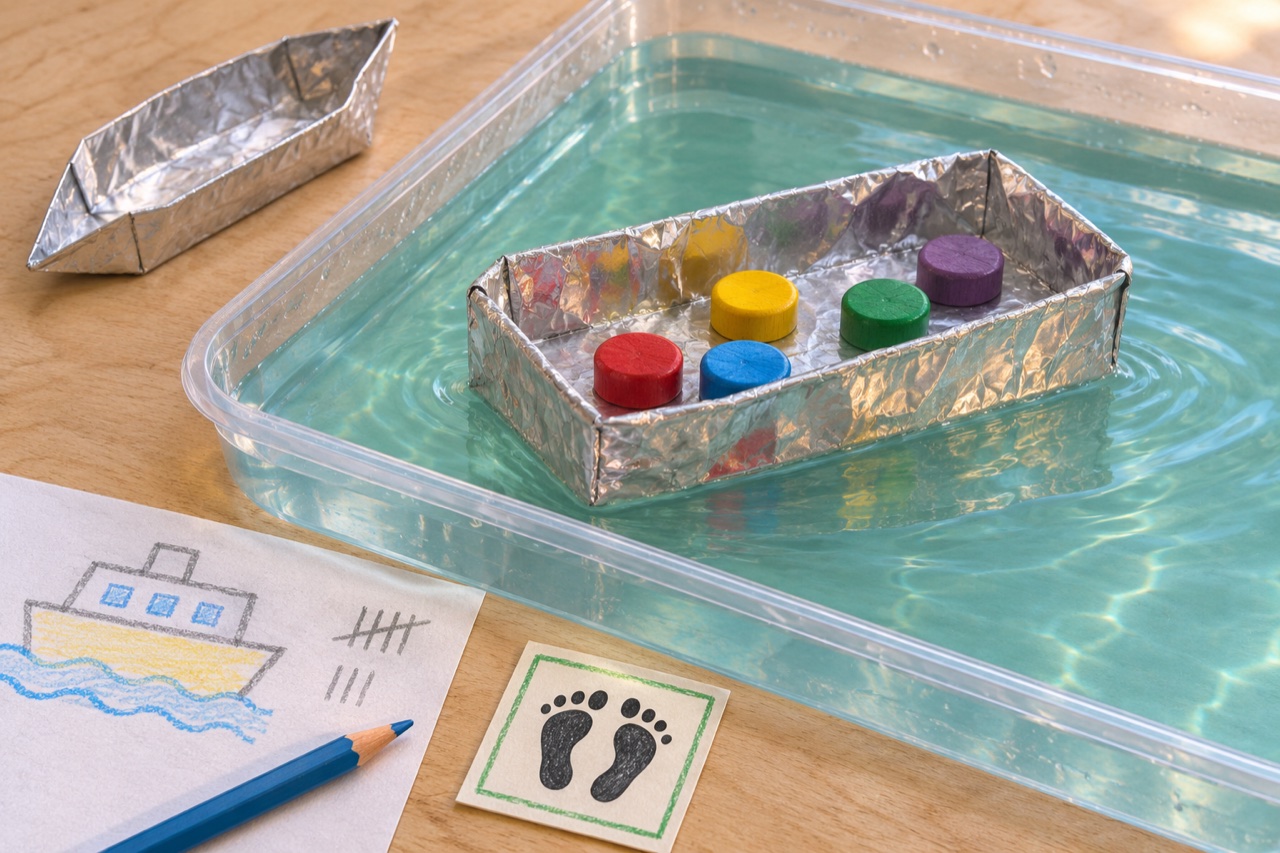
Build a Ferry · Project illustration
STAGE 01 · GRADES 2–5 · STEAM DISCOVERY LAB

Explain a change.

A mentor sets the ferry challenge. The learner chooses a hull shape, predicts its load and explains what happened.

In the learner’s portfolio

First and revised hulls, a load tally and a drawing of one change.

A question to ask

Show me which fold you changed. What happened when you added the next passenger?

Explore STEAM Discovery Lab

Starting in Grade 5? Choose Discovery for a first guided build. Try Explorers if your child can already change a design and explain the result. At any grade, a project from home or school can help a mentor suggest a starting point.

STAGE 01 · GRADES 2–5 · PROPOSED PILOT

STEAM Discovery Lab

How many passengers can a model ferry carry before water comes aboard? Children investigate floating, shape a hull, design signs and count a test load. Each new attempt gives them something to explain.

First courseBuild a Ferry
Proposed format8 sessions in 4 units

One challenge, two starting points

Grades 2–3 can predict aloud, count with a partner and draw what happened. Grades 4–5 can hold the foil size constant, record repeated trials and use results to choose a design.

Ask about the Grades 2–5 pilot How the five STEAM subjects fit together

Build a Ferry

  1. Find out what floats
  2. Design for passengers
  3. Give clear instructions
  4. Test again and share
Ready for Explorers when…

I can make a prediction, change one part with a partner and explain what happened in my own words.

Inside the eight sessions

Sessions 1–2Find out what floats

Shape two boats from equal pieces of foil. Predict which will carry more counters and test both in a shallow tray.

Portfolio · Draw the two hulls and record their loads.

Sessions 3–4Design for passengers

Give the ferry a purpose. Choose where passengers sit, make a clear boarding sign and redesign the hull to carry an uneven load.

Portfolio · Keep a labelled sketch and explain one design choice.

Sessions 5–6Give clear instructions

Write or draw a boarding sequence. Ask a partner to follow it, then change a step that caused confusion. Older makers can animate the sequence with blocks.

Portfolio · Save the first sequence and the revised version.

Sessions 7–8Test again and share

Repeat a load test, compare both versions and prepare a short demonstration. At the Family Maker Showcase, each partner explains one change.

Portfolio · Take home a model and a project sheet with a prediction, result and next idea.

THE FIRST PROGRAMME & EVENTS

Try it. Build it. Show it.

The proposed launch centres on one course for Grades 2–5, with a family taster before it and a showcase in the final session. Contact the team for availability and fees.

  1. BEFORE THE COURSE · TASTER

    Family Build Morning

    Make a foil boat, predict its load and try one change. A parent observes while the child shows a mentor what happened.

    Ask about the taster
  2. CORE COURSE · GRADES 2–5

    Build a Ferry

    Return to the same design across eight sessions. The learner keeps sketches, test results and both versions of a design decision.

    Review the course
  3. FINAL SESSION · SHARE

    Family Maker Showcase

    Show a first attempt and an improved ferry. A visitor asks what changed, and the child chooses one question for the next project.

    Ask about the showcase
Stage 02
GRADES 5–7 · PROPOSED NEXT STAGE

STEAM Explorers

Start with a question a team can test. Plan a test with a partner and change one thing at a time.

Rover Test Lab

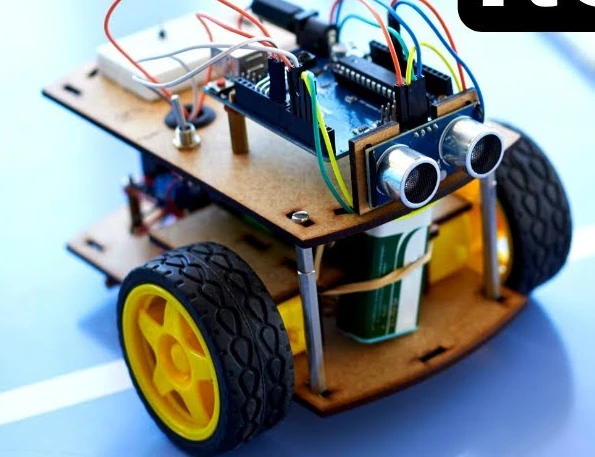
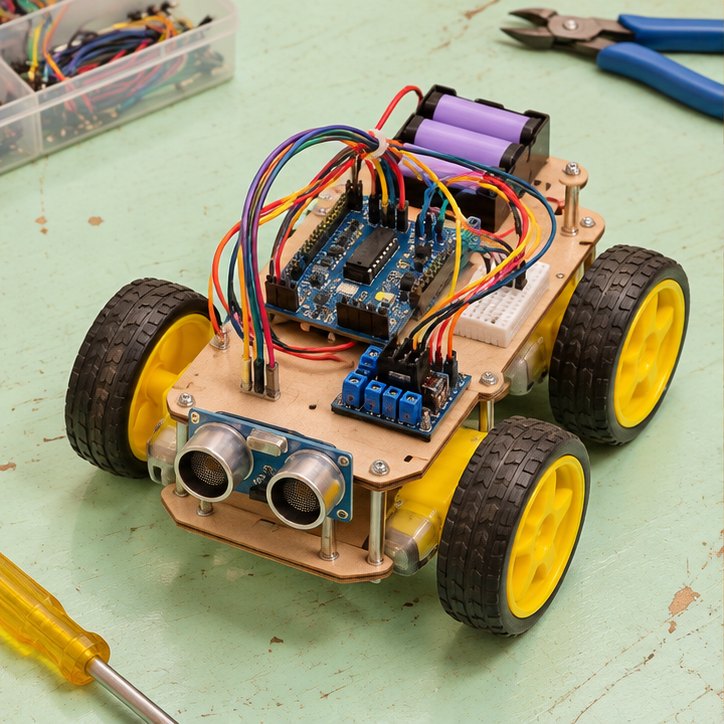
Begin with a mentor-prepared rover adapted from STEM Labs’ obstacle-avoiding robot lesson. Teams test two speeds against the same obstacle, record repeated stopping distances and swap the roles of operator and recorder. A short electronics workshop can draw on the institute’s STEMTronics activities to explore how the sensor works.

What a learner can show

A working demonstration, a table of trials and a short explanation of what the team would change next.

Ready for the next stage

A learner who can defend a fair comparison and identify a problem someone actually experiences is ready to explore Young Innovators.

See the published rover project
Illustrative rover with an ultrasonic sensor
Illustrative rover with an ultrasonic sensor.
Stage 03
GRADES 8–10 · PROPOSED NEXT STAGE

Young Innovators

Build something for a particular person. Listen to someone, agree on what a useful solution would do and make a revision they can try.

Design for Someone

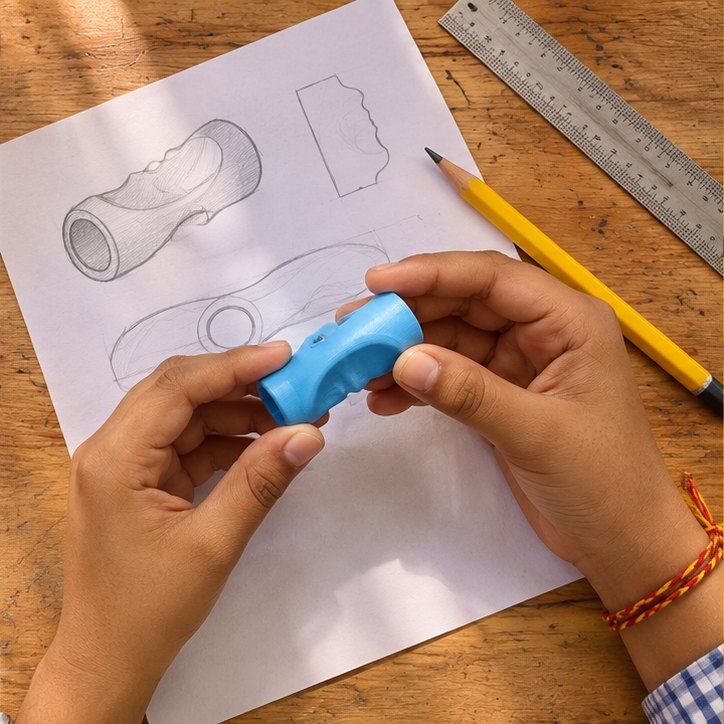
Interview a willing classmate about an awkward everyday task, such as holding a pencil comfortably. Sketch alternatives, make a model and try a second version after feedback.

What a learner can show

Two prototypes, a short record of user feedback and a demonstration of the revision.

Ready for the next stage

When a learner can show who benefits, negotiate a design trade-off and explain what a prototype costs, Venture Studio is a useful next step.

Explore the design challenge
Illustrative pencil grip next to its design sketch
Illustrative pencil grip next to its design sketch.
Stage 04
GRADES 10–13 · PROPOSED NEXT STAGE

Venture Studio

Decide whether an idea is worth taking further. Connect a tested prototype to a customer, a cost and a decision.

First Venture Project

Choose a prototype with evidence of a need. Estimate materials and labour in rupees, propose a price, and ask potential users what would make the offer worthwhile.

What a learner can show

A cost sheet, a proposed price, customer feedback and a pitch that explains the assumptions behind the numbers.

Where this can lead

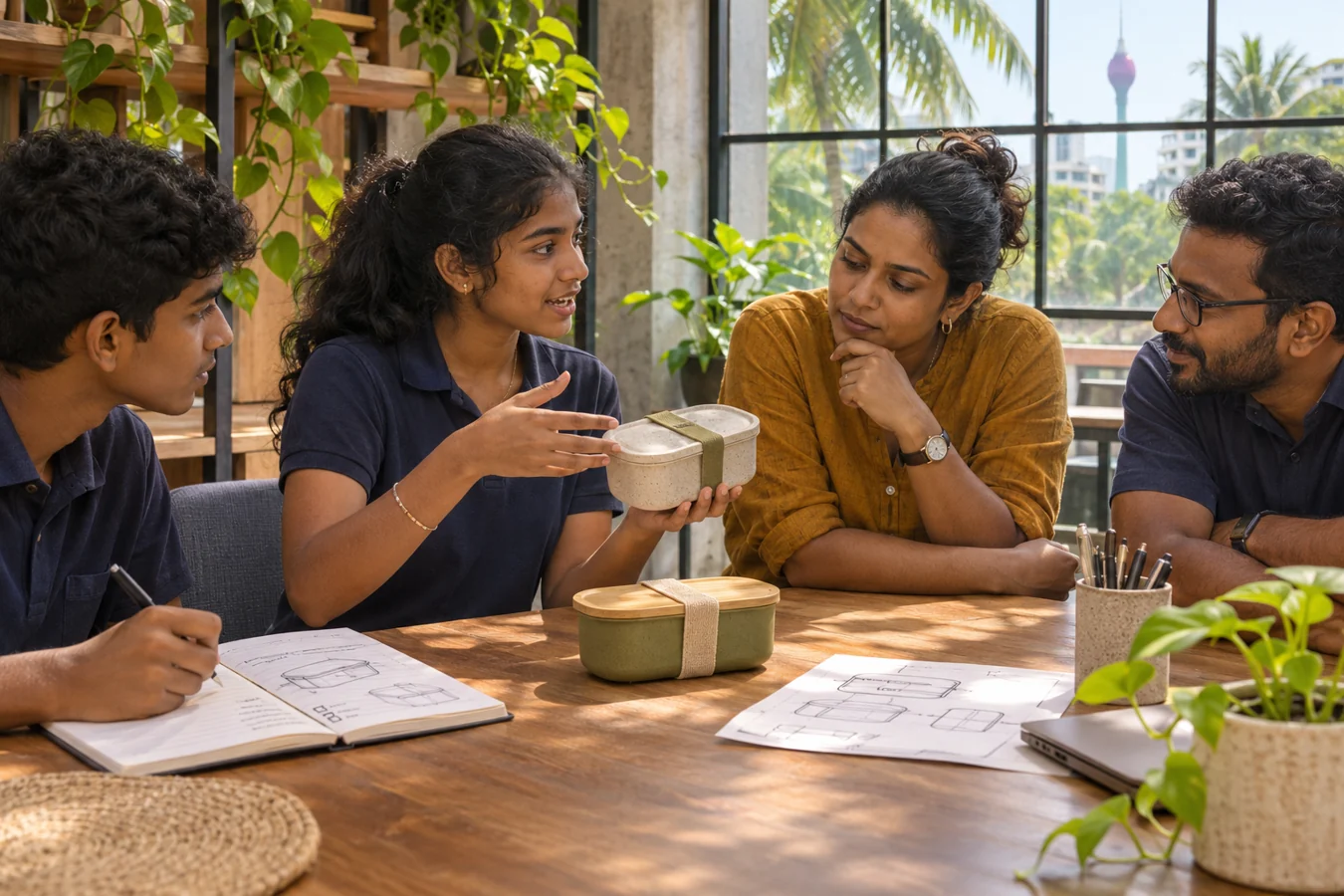
Industry mentors can help a team identify a technical risk, and a company can describe the conditions a pilot would have to meet. Learners explore founder and incubator programmes through Hatch and industry exposure through TRACE. They bring those insights back to their pilot decision. Learners may develop the pitch for the Students’ Virtual Platform.

Explore the student platform
Illustration of students discussing a prototype with industry mentors
Illustration of students discussing a prototype with industry mentors.
PROGRESS REVIEW

How to choose the next step.

Put the first attempt beside the latest one. Use the same evidence in the learner’s reflection, the family conversation and the teacher’s review.

For students

Choose one change you made. Show the part you worked on and finish the sentence “Next time I want to find out…”

For parents

Ask “What surprised you?” Give your child time to demonstrate. Bring their sketch, model or spoken explanation to the placement conversation.

For teachers

Record one example of predicting, testing and explaining. Note whether each happened with a prompt, with a partner or independently. Choose the next challenge together.

FREE 1-TO-1 COUNSELLING

Where could your child start?

Tell us what they love making, what feels tricky and what they’d like to try. We’ll explore a starting point together.

Book free counselling